Backup & disaster recovery
NAKIVO Backup & Replication
Affordable backup, replication and DR that installs straight onto a NAS.
freemiumdesktop
Independent reference — this page is a review. NAKIVO Backup & Replication is downloaded from the vendor’s official site, not from here.
| Platforms | Linux/Windows/NAS/virtual appliance; web UI |
|---|---|
| Licence | Freemium — proprietary; trial + Free Edition |
| Price | Perpetual from ~$229/socket; subscription by workload |
| Section | Backup & disaster recovery |
| Updated | 2026-11-05 |
What it is
Easy on the budget, it covers virtual, physical and cloud environments. It protects VMs (VMware/Hyper-V/Nutanix/Proxmox), physical servers and Microsoft 365 — and it’ll install straight onto a NAS.
Problems it closes
- You want enterprise-style VM backup without the enterprise price.
- A NAS holds the primary storage and standing up a separate backup server beside it has little appeal.
- VMware, Hyper-V, Proxmox, physical servers and M365 all need protecting together.
How administrators run it
- Install the appliance on a supported NAS as an all-in-one backup server.
- Back up and replicate VMs for DR while keeping an offsite copy.
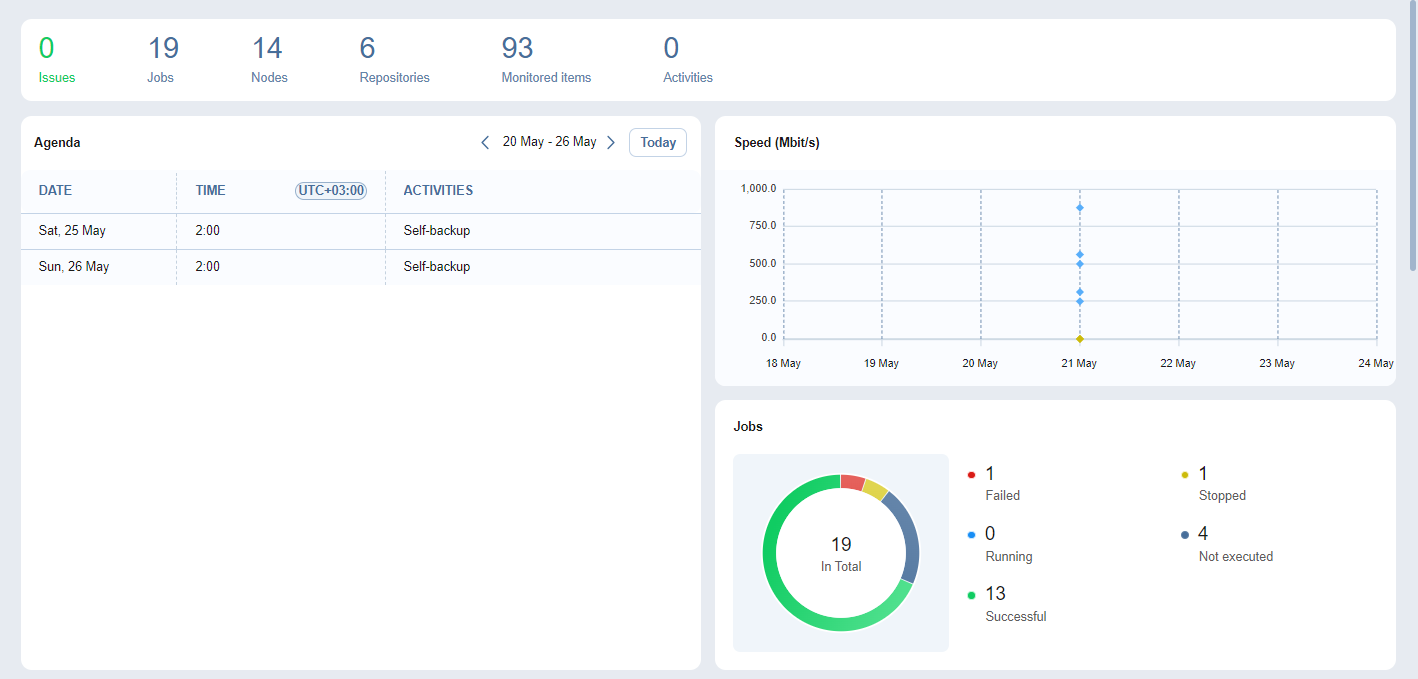
- Recover VMs, files or application objects from the web UI.
Strengths & trade-offs
Strengths
- Affordable licensing, perpetual or subscription.
- Runs on a NAS, so no dedicated backup server needed.
- Broad hypervisor and Microsoft 365 coverage.
Trade-offs
- Proprietary.
- Fewer advanced features than the top-tier incumbents.
Common questions
Is there a free edition?
Yes, a limited Free Edition, with trials of the paid tiers alongside it.
Does it run on a Synology or QNAP NAS?
Yes. Installing straight onto a NAS is one of its signature deployments.
Alternatives
Veeam Backup & Replication Enterprise backup and replication across virtual, physical and cloud workloads. freemiumdesktop Windows console; protects VMware/Hyper-V/Nutanix/Proxmox, physical servers, cloud, M365 Acronis Cyber Protect Backup fused with cyber protection — anti-malware, EDR and patching — in one console. paid / trialdesktop Windows/macOS/Linux, VMware/Hyper-V, iOS/Android, web console, on-prem/cloud Bareos Open-source client-server backup at enterprise scale — disk, tape or cloud. open sourcedesktop Linux server; clients for Linux/Windows/macOS/BSD/Solaris/AIX; web UI